> ## Documentation Index
> Fetch the complete documentation index at: https://docs.ribbon.ai/llms.txt
> Use this file to discover all available pages before exploring further.
# Interview Flows
> How to create and manage interview flows in Ribbon
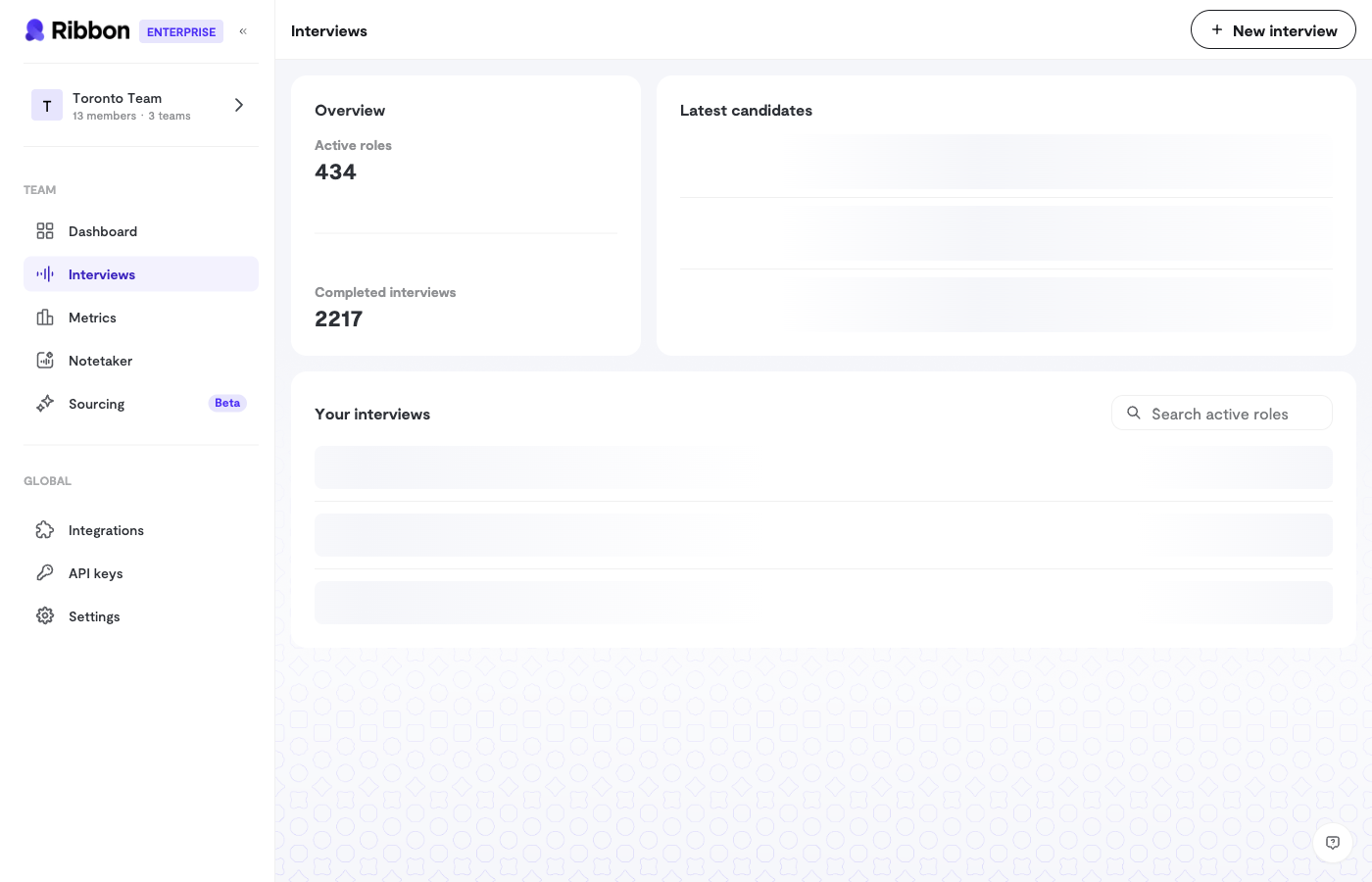 An Interview Flow is a reusable template that defines how the AI will conduct interviews for a specific role.
## Creating an Interview Flow
When creating a new flow, you'll configure:
### Basic Information
* **Role Title** - The job title (e.g., "Senior Software Engineer")
* **Organization** - Your company name
* **Location** - Where the role is based
* **Job Description** - Details about the role that help the AI understand context
### Interview Questions
Each flow includes a set of questions for the AI to ask. You can:
* Use the default questions Ribbon provides
* Write your own custom questions
* Reorder questions by dragging and dropping
Recruitment interviews default to 5 questions. General interviews default to 3.
### Language
Choose from 11 supported languages:
* English (US)
* Chinese (Simplified)
* French
* German
* Hindi
* Japanese
* Portuguese (Brazil)
* Spanish (Latin America)
* Thai
* Arabic (UAE)
* Vietnamese
The AI will conduct the entire interview in your selected language.
## Flow Status
Interview flows have three statuses:
| Status | Description |
| ------------ | ---------------------------------- |
| **Open** | Actively accepting candidates |
| **Closed** | No longer accepting new candidates |
| **Archived** | Hidden from your main view |
## Managing Candidates
From the flow's Talent Hub, you can:
* View all candidates who have completed interviews
* See candidates who need review
* Track successful interviews
* Manage candidate access within your team
## Sharing Interview Links
Generate interview links to share with candidates:
1. Open your interview flow
2. Click to generate a new interview link
3. Share the link via email, your ATS, or any other channel
Each link is single-use. Once a candidate starts their interview, the link expires.
## Bulk Candidate Import
For high-volume recruiting, import candidates via CSV:
1. Download the CSV template
2. Add candidate emails and names
3. Upload the file to automatically generate and send interview links
## Flow Settings
Each flow has additional settings you can customize:
* **AI Voice & Personality** - Choose who conducts the interview
* **Custom Scoring** - Define what you're looking for
* **Integrations** - Connect to your ATS
* **Webhooks** - Get notified when interviews complete
See the dedicated articles for each of these features.
An Interview Flow is a reusable template that defines how the AI will conduct interviews for a specific role.
## Creating an Interview Flow
When creating a new flow, you'll configure:
### Basic Information
* **Role Title** - The job title (e.g., "Senior Software Engineer")
* **Organization** - Your company name
* **Location** - Where the role is based
* **Job Description** - Details about the role that help the AI understand context
### Interview Questions
Each flow includes a set of questions for the AI to ask. You can:
* Use the default questions Ribbon provides
* Write your own custom questions
* Reorder questions by dragging and dropping
Recruitment interviews default to 5 questions. General interviews default to 3.
### Language
Choose from 11 supported languages:
* English (US)
* Chinese (Simplified)
* French
* German
* Hindi
* Japanese
* Portuguese (Brazil)
* Spanish (Latin America)
* Thai
* Arabic (UAE)
* Vietnamese
The AI will conduct the entire interview in your selected language.
## Flow Status
Interview flows have three statuses:
| Status | Description |
| ------------ | ---------------------------------- |
| **Open** | Actively accepting candidates |
| **Closed** | No longer accepting new candidates |
| **Archived** | Hidden from your main view |
## Managing Candidates
From the flow's Talent Hub, you can:
* View all candidates who have completed interviews
* See candidates who need review
* Track successful interviews
* Manage candidate access within your team
## Sharing Interview Links
Generate interview links to share with candidates:
1. Open your interview flow
2. Click to generate a new interview link
3. Share the link via email, your ATS, or any other channel
Each link is single-use. Once a candidate starts their interview, the link expires.
## Bulk Candidate Import
For high-volume recruiting, import candidates via CSV:
1. Download the CSV template
2. Add candidate emails and names
3. Upload the file to automatically generate and send interview links
## Flow Settings
Each flow has additional settings you can customize:
* **AI Voice & Personality** - Choose who conducts the interview
* **Custom Scoring** - Define what you're looking for
* **Integrations** - Connect to your ATS
* **Webhooks** - Get notified when interviews complete
See the dedicated articles for each of these features.