> ## Documentation Index
> Fetch the complete documentation index at: https://docs.ribbon.ai/llms.txt
> Use this file to discover all available pages before exploring further.
# Interview Settings
> Configure global and per-interview settings in Ribbon
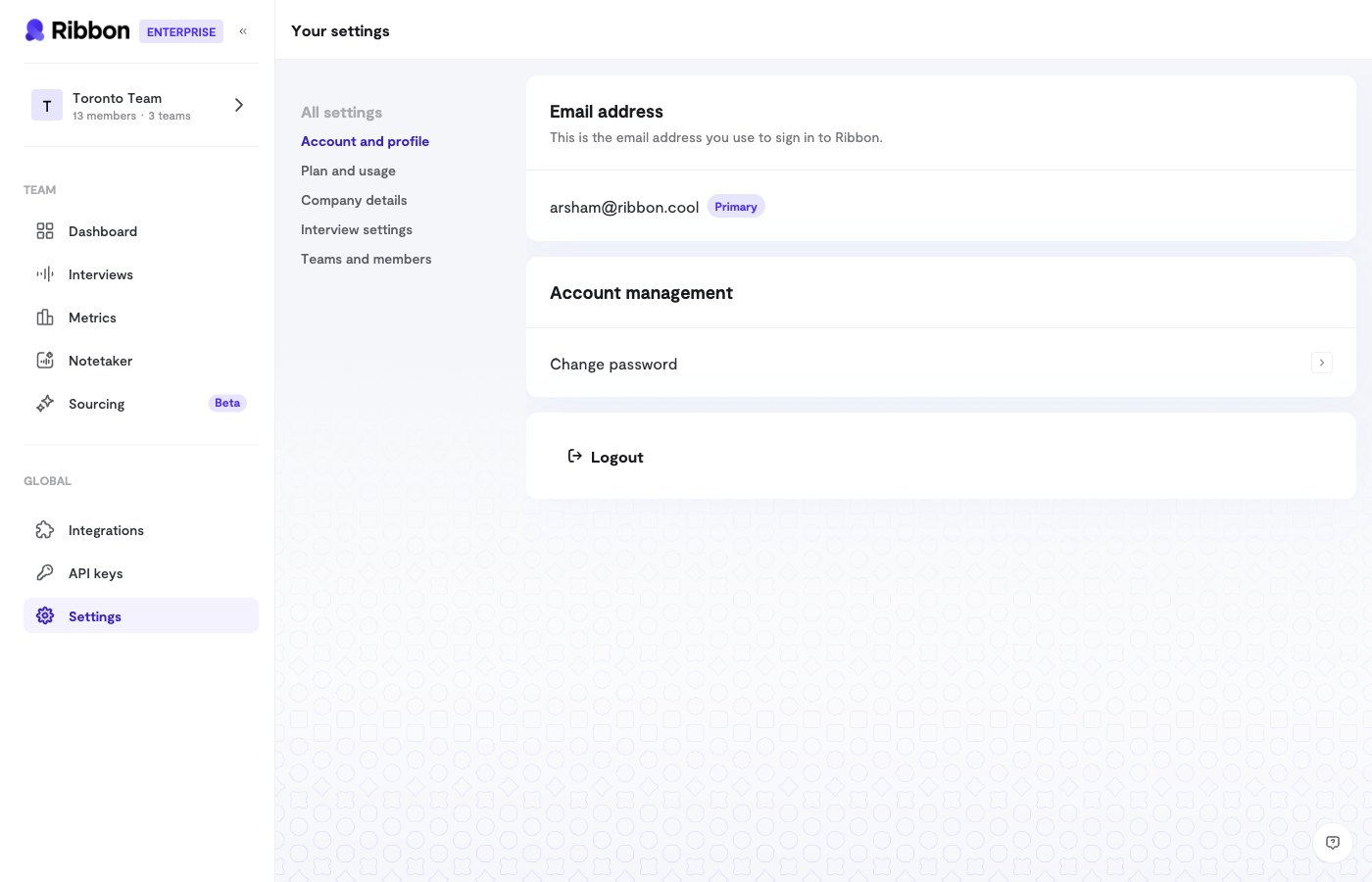 Ribbon offers settings at two levels: organization-wide defaults and per-interview overrides.
## Global Settings
Global settings apply to all interviews by default. Find them in **Settings** > **Interview Settings**.
### Phone Collection
Toggle whether to collect phone numbers from candidates.
* **Enabled**: Candidates must provide a phone number before starting
* **Disabled**: Phone number is optional or not collected
### Consent Screen
Show candidates a consent message before their interview:
* **Enabled**: Candidates see and must accept the consent text
* **Disabled**: Interview starts without a consent step
Default consent text covers recording and sharing with the hiring organization. You can customize this text to match your requirements.
### Pronunciation Dictionary
Add custom pronunciations for words the AI might mispronounce:
* Company names
* Product names
* Technical terminology
* People's names mentioned in interviews
This ensures a professional experience for candidates.
### Additional AI Instructions
Add global instructions that guide AI behavior across all interviews:
```
Examples:
- "Always maintain a professional but warm tone"
- "If candidates ask about salary, say it will be discussed in later rounds"
- "Emphasize our commitment to work-life balance when relevant"
```
## Per-Interview Settings
Override global settings for specific interview flows in the flow's **Settings** tab.
### Introduction & Outro
Customize what the AI says:
* **Introduction**: Opening message to welcome candidates
* **Outro**: Closing message after the interview ends
Both support up to 5,000 characters. Leave blank to use your global defaults.
### Preamble Video
Upload a video that plays before the interview:
* Introduce your team
* Show your office or culture
* Set expectations
Toggle to enable or disable per flow.
### Document Upload
Allow candidates to upload documents:
* **Enable document upload**: Let candidates attach files
* **Resume required**: Make resume upload mandatory
Useful for collecting resumes, portfolios, or other materials.
### Feedback Collection
Let candidates provide feedback on their interview experience:
* **Enabled**: Candidates see a feedback prompt after completing
* **Disabled**: Interview ends without feedback request
### Retry Settings
Control whether candidates can retry their interview:
* **Allow retries**: Candidates can attempt the interview multiple times
* **Disable retries**: One attempt only
If retries are allowed, you can set a maximum number.
### Redirect URL
Send candidates to a specific URL after completing their interview:
* Your careers page
* A "thank you" page
* A next steps page
Leave blank for Ribbon's default completion screen.
### Webhooks
Configure webhooks at the interview level to override organization defaults:
* **Webhook URL**: Where to send event notifications
* **Secret Key**: For verifying webhook signatures
See the [Webhooks documentation](/docs/webhooks) for payload details.
## Settings Priority
Per-interview settings override global settings:
1. Check if interview flow has a custom setting
2. If not, use the global default
3. If no global default, use Ribbon's system default
This lets you set sensible defaults while customizing specific flows as needed.
## Tips
* **Start with globals**: Set up organization defaults first
* **Override sparingly**: Only customize individual flows when needed
* **Document your settings**: Note why specific flows have custom settings
* **Review periodically**: Audit settings as your process evolves
Ribbon offers settings at two levels: organization-wide defaults and per-interview overrides.
## Global Settings
Global settings apply to all interviews by default. Find them in **Settings** > **Interview Settings**.
### Phone Collection
Toggle whether to collect phone numbers from candidates.
* **Enabled**: Candidates must provide a phone number before starting
* **Disabled**: Phone number is optional or not collected
### Consent Screen
Show candidates a consent message before their interview:
* **Enabled**: Candidates see and must accept the consent text
* **Disabled**: Interview starts without a consent step
Default consent text covers recording and sharing with the hiring organization. You can customize this text to match your requirements.
### Pronunciation Dictionary
Add custom pronunciations for words the AI might mispronounce:
* Company names
* Product names
* Technical terminology
* People's names mentioned in interviews
This ensures a professional experience for candidates.
### Additional AI Instructions
Add global instructions that guide AI behavior across all interviews:
```
Examples:
- "Always maintain a professional but warm tone"
- "If candidates ask about salary, say it will be discussed in later rounds"
- "Emphasize our commitment to work-life balance when relevant"
```
## Per-Interview Settings
Override global settings for specific interview flows in the flow's **Settings** tab.
### Introduction & Outro
Customize what the AI says:
* **Introduction**: Opening message to welcome candidates
* **Outro**: Closing message after the interview ends
Both support up to 5,000 characters. Leave blank to use your global defaults.
### Preamble Video
Upload a video that plays before the interview:
* Introduce your team
* Show your office or culture
* Set expectations
Toggle to enable or disable per flow.
### Document Upload
Allow candidates to upload documents:
* **Enable document upload**: Let candidates attach files
* **Resume required**: Make resume upload mandatory
Useful for collecting resumes, portfolios, or other materials.
### Feedback Collection
Let candidates provide feedback on their interview experience:
* **Enabled**: Candidates see a feedback prompt after completing
* **Disabled**: Interview ends without feedback request
### Retry Settings
Control whether candidates can retry their interview:
* **Allow retries**: Candidates can attempt the interview multiple times
* **Disable retries**: One attempt only
If retries are allowed, you can set a maximum number.
### Redirect URL
Send candidates to a specific URL after completing their interview:
* Your careers page
* A "thank you" page
* A next steps page
Leave blank for Ribbon's default completion screen.
### Webhooks
Configure webhooks at the interview level to override organization defaults:
* **Webhook URL**: Where to send event notifications
* **Secret Key**: For verifying webhook signatures
See the [Webhooks documentation](/docs/webhooks) for payload details.
## Settings Priority
Per-interview settings override global settings:
1. Check if interview flow has a custom setting
2. If not, use the global default
3. If no global default, use Ribbon's system default
This lets you set sensible defaults while customizing specific flows as needed.
## Tips
* **Start with globals**: Set up organization defaults first
* **Override sparingly**: Only customize individual flows when needed
* **Document your settings**: Note why specific flows have custom settings
* **Review periodically**: Audit settings as your process evolves