
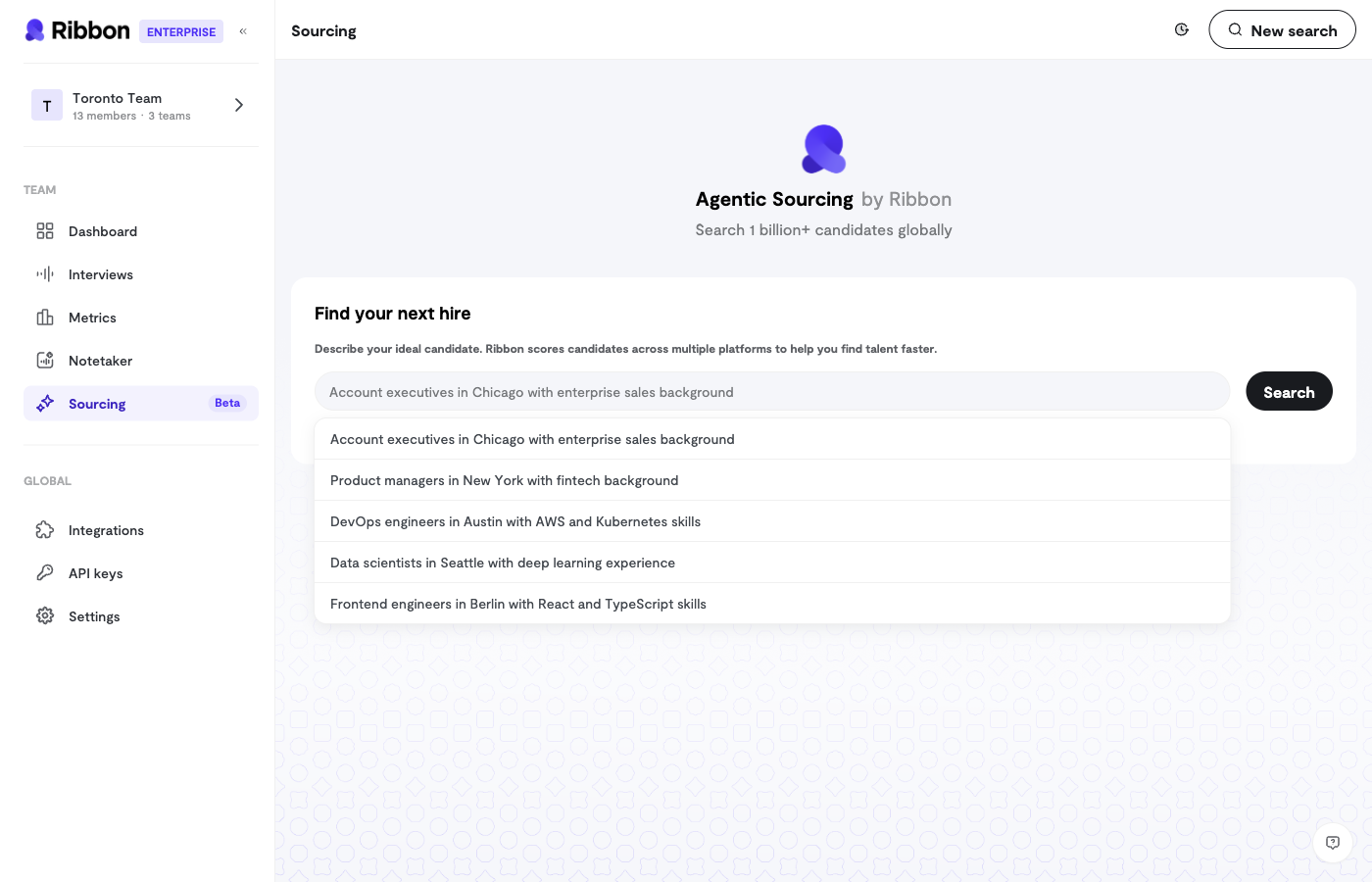
AI-Powered Candidate Search
The Sourcing chat interface lets you describe who you’re looking for in natural language:- “Find software engineers with React experience in San Francisco”
- “Show me product managers who have worked at startups”
- “Search for sales reps with SaaS experience”
Search Progress
When you submit a search, you’ll see a real-time progress indicator as the AI:- Interprets your requirements
- Searches candidate databases
- Ranks and filters results
- Returns the best matches
Chat History
Your searches are saved, so you can:- Return to previous searches
- Refine earlier queries
- Build on past results
Candidate Outreach
Once you’ve found candidates, send them interview invitations directly from Ribbon.Outreach Workflow
- Select Interview - Choose which interview flow to invite them to
- Confirm Candidates - Review the candidate list and emails
- Draft Message - Write your invitation (or use a template)
- Preview & Send - Review the email before sending
Customizing Outreach
For each outreach campaign, you can customize:- Subject Line - The email subject candidates will see
- Message Body - Your personalized invitation
- Interview Link - Automatically included
Batch Sending
Send invitations to multiple candidates at once:- Select all candidates you want to reach
- Compose a single message
- Each candidate receives a personalized email with their unique interview link
Tips for Effective Sourcing
Writing Good Search Queries
Be specific about what you’re looking for:Outreach Best Practices
- Personalize when possible - Reference something specific about the role or company
- Keep it concise - Candidates are busy; get to the point
- Explain the AI interview - Some candidates may be unfamiliar with the format
- Set expectations - Let them know how long the interview takes
Sourcing Context
You can optionally connect sourcing to:- Interview Flow - Search for candidates who match a specific role
- Previous Interviews - Find similar candidates to your best performers