
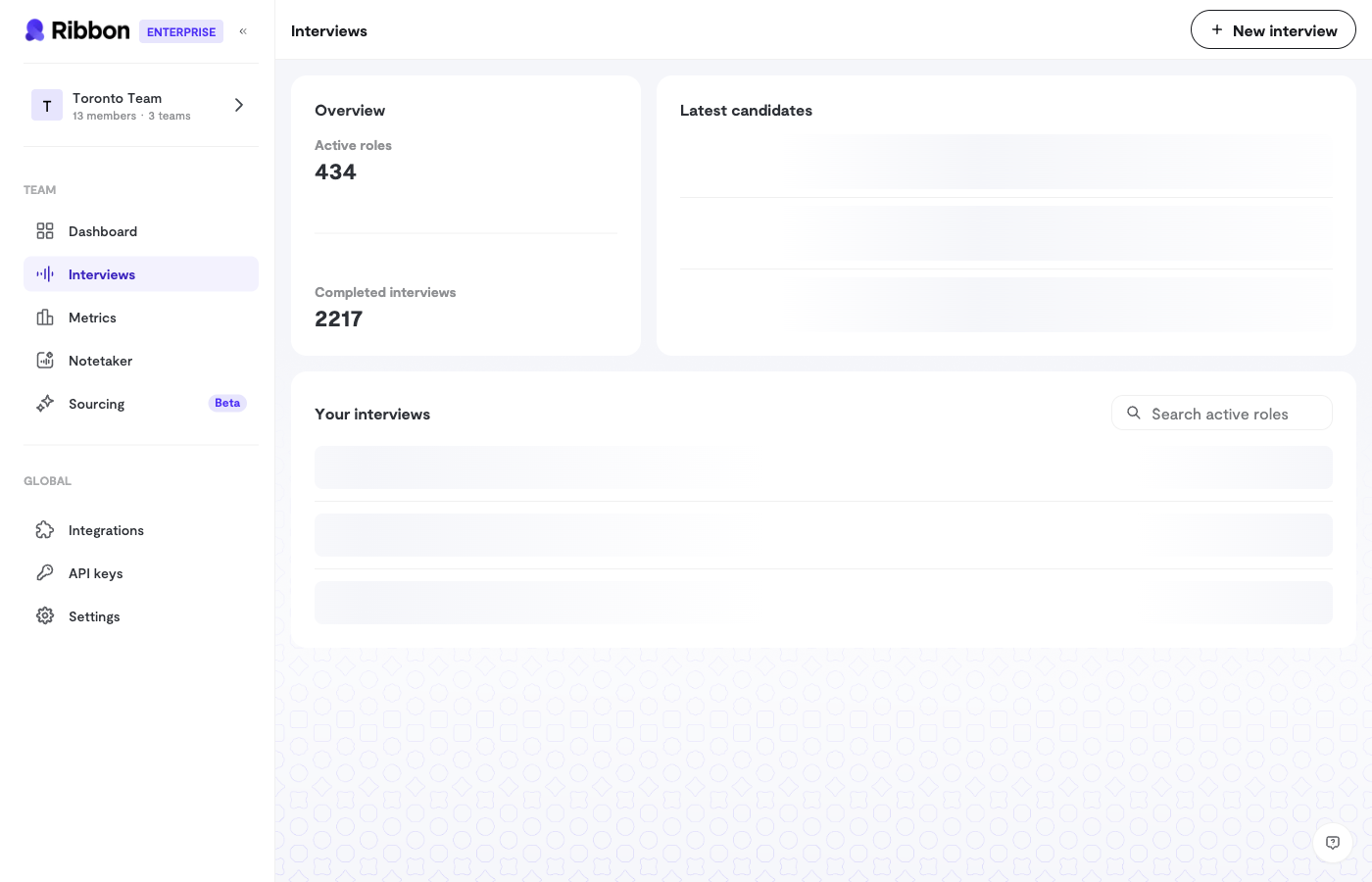
Creating an Interview Flow
When creating a new flow, you’ll configure:Basic Information
- Role Title - The job title (e.g., “Senior Software Engineer”)
- Organization - Your company name
- Location - Where the role is based
- Job Description - Details about the role that help the AI understand context
Interview Questions
Each flow includes a set of questions for the AI to ask. You can:- Use the default questions Ribbon provides
- Write your own custom questions
- Reorder questions by dragging and dropping
Recruitment interviews default to 5 questions. General interviews default to 3.
Language
Choose from 11 supported languages:- English (US)
- Chinese (Simplified)
- French
- German
- Hindi
- Japanese
- Portuguese (Brazil)
- Spanish (Latin America)
- Thai
- Arabic (UAE)
- Vietnamese
Flow Status
Interview flows have three statuses:Managing Candidates
From the flow’s Talent Hub, you can:- View all candidates who have completed interviews
- See candidates who need review
- Track successful interviews
- Manage candidate access within your team
Sharing Interview Links
Generate interview links to share with candidates:- Open your interview flow
- Click to generate a new interview link
- Share the link via email, your ATS, or any other channel
Bulk Candidate Import
For high-volume recruiting, import candidates via CSV:- Download the CSV template
- Add candidate emails and names
- Upload the file to automatically generate and send interview links
Flow Settings
Each flow has additional settings you can customize:- AI Voice & Personality - Choose who conducts the interview
- Custom Scoring - Define what you’re looking for
- Integrations - Connect to your ATS
- Webhooks - Get notified when interviews complete