
Global Settings
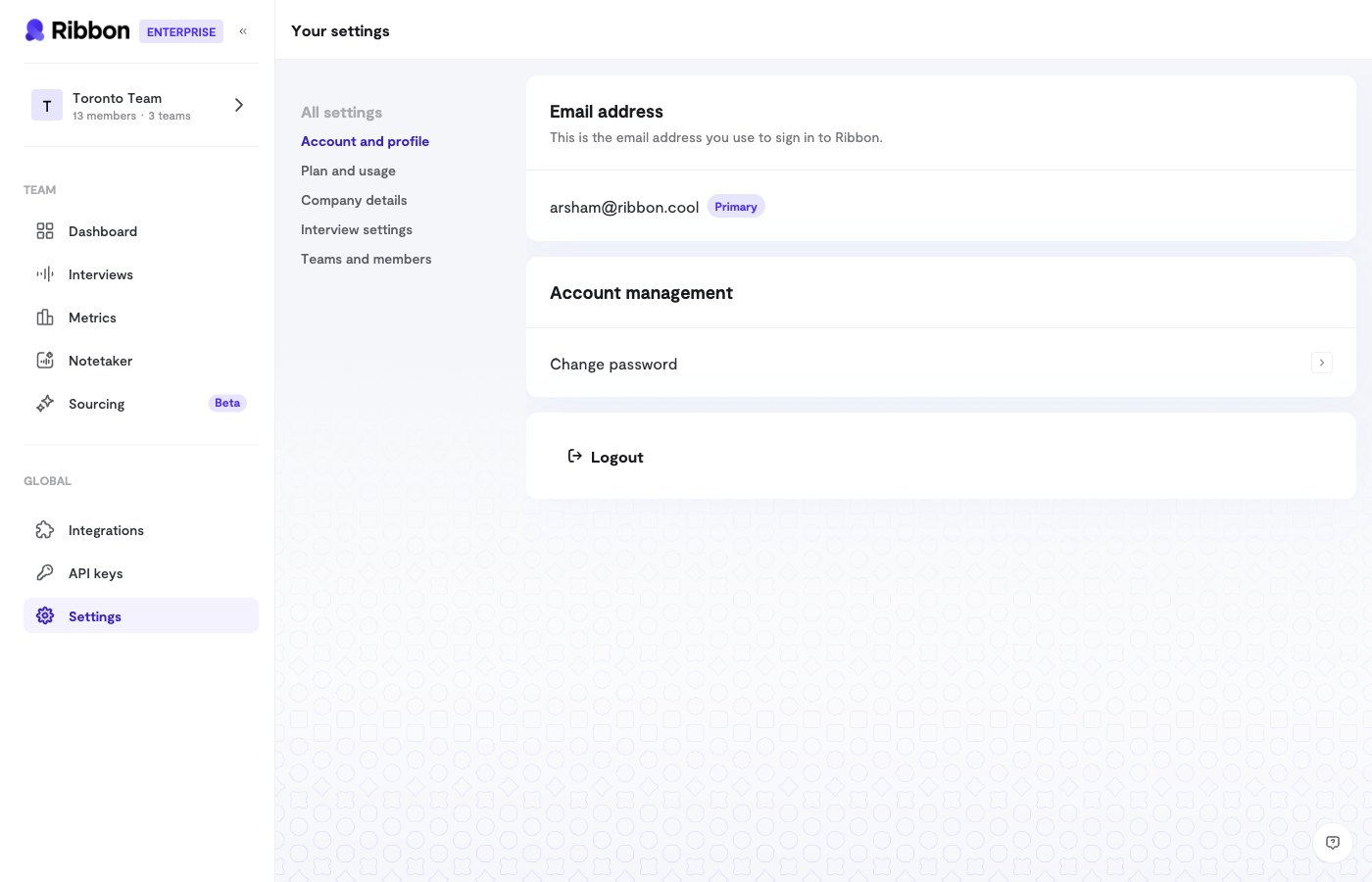
Global settings apply to all interviews by default. Find them in Settings > Interview Settings.Phone Collection
Toggle whether to collect phone numbers from candidates.- Enabled: Candidates must provide a phone number before starting
- Disabled: Phone number is optional or not collected
Consent Screen
Show candidates a consent message before their interview:- Enabled: Candidates see and must accept the consent text
- Disabled: Interview starts without a consent step
Pronunciation Dictionary
Add custom pronunciations for words the AI might mispronounce:- Company names
- Product names
- Technical terminology
- People’s names mentioned in interviews
Additional AI Instructions
Add global instructions that guide AI behavior across all interviews:Per-Interview Settings
Override global settings for specific interview flows in the flow’s Settings tab.Introduction & Outro
Customize what the AI says:- Introduction: Opening message to welcome candidates
- Outro: Closing message after the interview ends
Preamble Video
Upload a video that plays before the interview:- Introduce your team
- Show your office or culture
- Set expectations
Document Upload
Allow candidates to upload documents:- Enable document upload: Let candidates attach files
- Resume required: Make resume upload mandatory
Feedback Collection
Let candidates provide feedback on their interview experience:- Enabled: Candidates see a feedback prompt after completing
- Disabled: Interview ends without feedback request
Retry Settings
Control whether candidates can retry their interview:- Allow retries: Candidates can attempt the interview multiple times
- Disable retries: One attempt only
Redirect URL
Send candidates to a specific URL after completing their interview:- Your careers page
- A “thank you” page
- A next steps page
Webhooks
Configure webhooks at the interview level to override organization defaults:- Webhook URL: Where to send event notifications
- Secret Key: For verifying webhook signatures
Settings Priority
Per-interview settings override global settings:- Check if interview flow has a custom setting
- If not, use the global default
- If no global default, use Ribbon’s system default
Tips
- Start with globals: Set up organization defaults first
- Override sparingly: Only customize individual flows when needed
- Document your settings: Note why specific flows have custom settings
- Review periodically: Audit settings as your process evolves